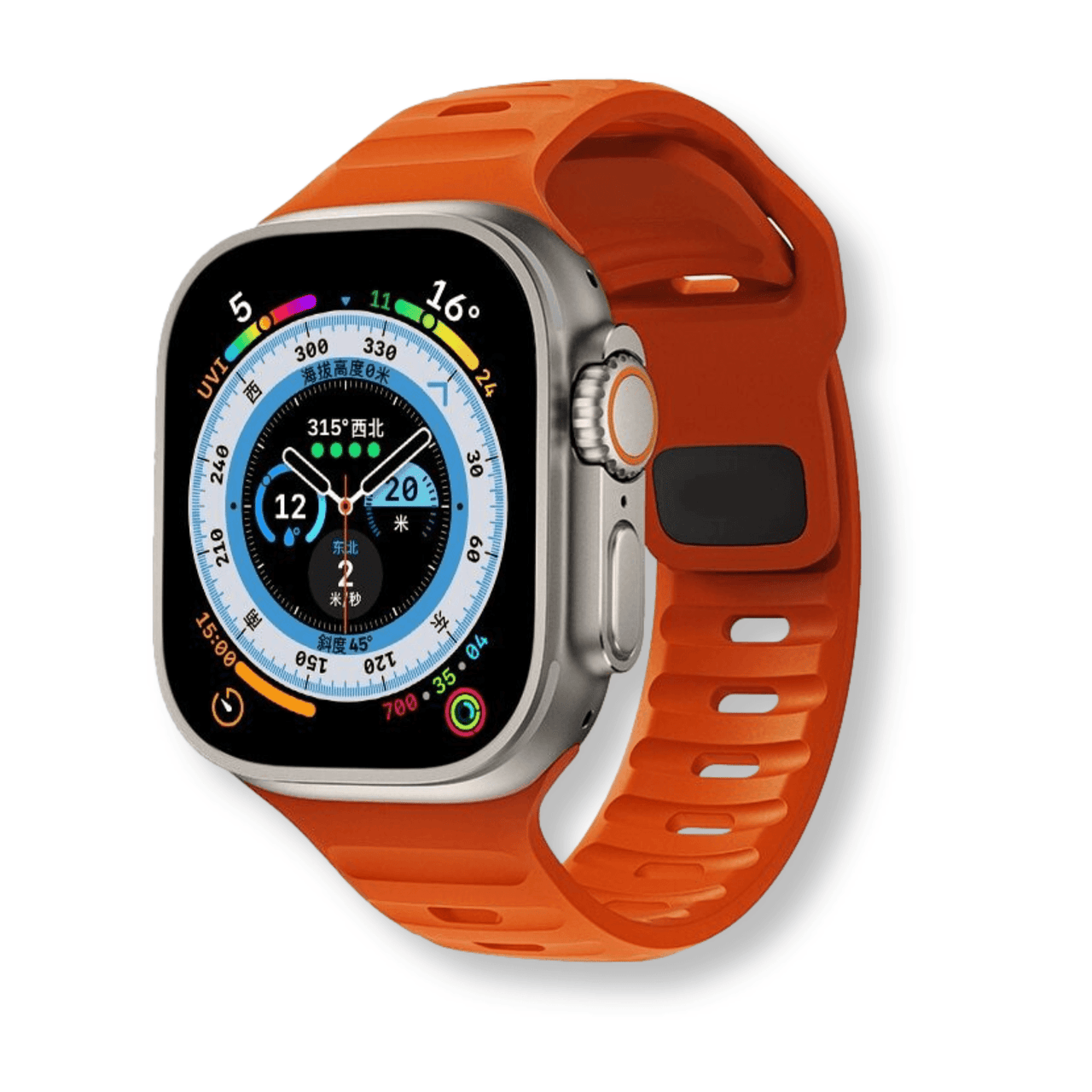
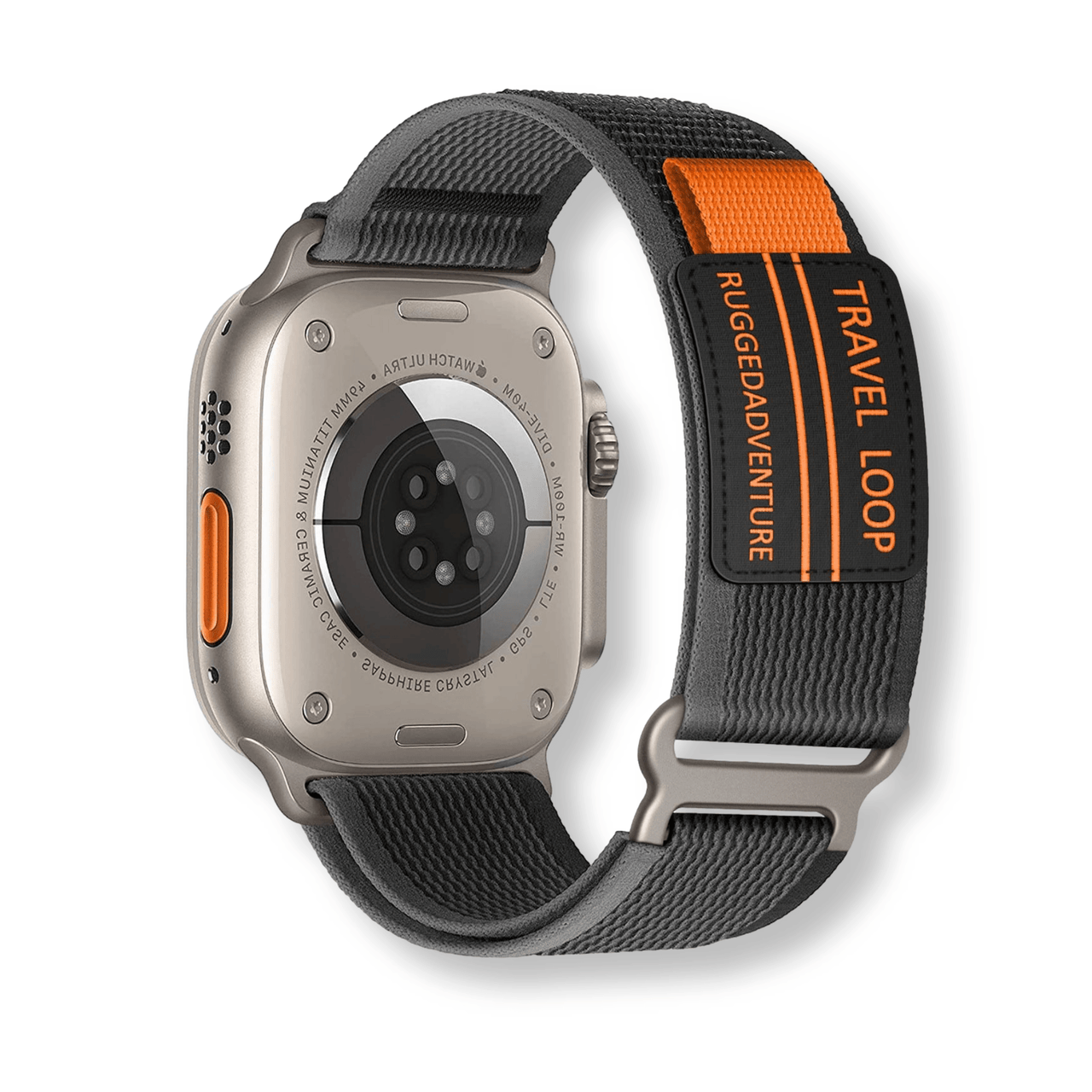
Quick answer: which bands fit Google Pixel Watch?
Pixel Watch 1, 2, and 3 bands share Google’s proprietary connector, but 41mm and 45mm bands are different sizes. Match the band to your case size before buying.
The Ultimate Guide to Google Pixel Watch Bands in 2026
The Google Pixel Watch has firmly established itself as a premier smartwatch in the wearable technology market. As we move through 2026, customizing your device with the perfect Google Pixel Watch bands is more important than ever. The right band not only secures your valuable tech but also expresses your personal style.
Whether you are upgrading from an older model or purchasing your very first Pixel wearable, understanding your strap options is crucial. The unique domed design of the watch requires specific connection mechanisms to maintain its sleek, pebble-like aesthetic. Navigating these proprietary connections can sometimes feel overwhelming for new users.
In this comprehensive guide, we will explore everything you need to know about outfitting your Google smartwatch. From decoding compatibility across different generations to selecting the ultimate materials for your lifestyle, we have you covered. Let us dive into the vibrant world of smartwatch customization.
- Pixel Watch 1, 2, and 3 use Google’s proprietary band connector.
- 41mm and 45mm bands are separate sizes and are not interchangeable.
- Choose breathable silicone for workouts, or leather and metal for dressier wear.
- Check the watch case size and connector before ordering a replacement band.

Table of Contents
- Understanding the Google Pixel Watch Lineup
- Pixel Watch Band Sizes & Compatibility
- Best Band Materials for Your Pixel Watch
- How to Change Your Pixel Watch Band
- Top Pixel Watch Band Styles for Every Occasion
- Pixel Watch vs Samsung Galaxy Watch: Band Compatibility Compared
- FAQ Section
Understanding the Google Pixel Watch Lineup
To truly understand which Google Pixel Watch bands are right for you, we must first look at the evolution of the watch itself. Google entered the smartwatch arena with a clear vision of minimalist, circular design. This design philosophy has remained remarkably consistent, even as the internal technology has rapidly advanced.
The original Google Pixel Watch launched with a beautiful, domed glass face and a stainless steel body. It introduced the world to Google's unique band attachment system, which was designed to hide the connection point seamlessly. This gave the illusion that the band was melting directly into the watch case.
The Shift to the Pixel Watch 2
With the release of the Pixel Watch 2, Google made subtle but important changes to the wearable's construction. The company transitioned from a heavy stainless steel case to a 100% recycled aluminum housing. This made the watch significantly lighter on the wrist, which was a massive win for fitness enthusiasts and sleep tracking.
Despite the change in case material and upgraded internal sensors, Google wisely kept the exterior dimensions identical to the first generation. It remained a 41mm watch with the exact same proprietary connection port. This meant that early adopters could carry their entire band collection over to the new device without any issues.
The Expansion with the Pixel Watch 3
The landscape shifted dramatically with the introduction of the Pixel Watch 3. Listening to years of consumer feedback, Google finally introduced two distinct sizes for their flagship wearable. Users could now choose between the classic 41mm size and a much-requested, larger 45mm display.
This size expansion brought massive improvements in battery life and screen real estate, but it complicated the band ecosystem. The 45mm model features a wider curvature and a larger connection mechanism. Because of this, the smartwatch accessory market had to adapt rapidly to accommodate both distinct case sizes.
Pixel Watch Band Sizes & Compatibility
When shopping for smartwatch bands, compatibility is the single most important factor to consider. Unlike traditional mechanical watches that use standard spring bars, Google engineered a bespoke connection system. This proprietary twist-and-lock mechanism requires precision engineering to ensure a secure fit.
The system works somewhat similarly to changing a lens on a DSLR camera. You press a small release button on the watch case, and slide the band sideways to lock it into place. While this creates a stunning, integrated look, it means you cannot simply buy a standard 20mm or 22mm strap off the shelf.
The 41mm Ecosystem
If you own an original Pixel Watch, a Pixel Watch 2, or the 41mm version of the Pixel Watch 3, you are in luck. All three of these devices share the exact same 41mm band connector. Any band marketed for the 41mm Pixel Watch will fit your device perfectly, regardless of the generation.
This backward and forward compatibility is a testament to Google's commitment to reducing e-waste. It allows users to invest in high-quality, premium straps knowing they will outlast a single device lifecycle. Whether you prefer official Google accessories or third-party options, the 41mm ecosystem is currently the most robust.
The 45mm Ecosystem
If you upgraded to the larger 45mm Pixel Watch 3, your band compatibility rules are entirely different. The 45mm case requires wider bands with a larger connection lug to match the increased curvature of the watch body. Attempting to force a 41mm band onto a 45mm watch will not work and could damage your device.
Because the 45mm size is newer to the market, the selection of bands is still growing compared to the 41mm options. However, premium retailers are rapidly expanding their catalogs to support this popular larger size. Always double-check your watch's case size in the device settings before purchasing a new strap.
Using Lug Adapters
What if you have a favorite traditional watch band that you desperately want to use on your Pixel Watch? This is where aftermarket lug adapters come into play. These brilliant little accessories snap into the Pixel Watch's proprietary port and provide standard spring bar holes on the other side.
By using a lug adapter, you can attach almost any standard 20mm band to the 41mm Pixel Watch, or standard 22mm bands to the 45mm version. If you are using adapters, it is highly recommended to keep a spring bar tool handy. This will make swapping your traditional straps onto the adapter a breeze.
Best Band Materials for Your Pixel Watch
Choosing the right material for your Google Pixel Watch bands is about balancing aesthetics, comfort, and durability. Your smartwatch is designed to be worn 24/7, tracking everything from your morning run to your nightly sleep cycles. Therefore, building a diverse wardrobe of watch bands is essential for long-term comfort.
Different materials excel in different environments, and wearing the wrong material can lead to skin irritation or premature wear. For example, wearing a heavy metal band during a marathon is just as impractical as wearing a bright neon rubber strap to a black-tie event. Let us break down the best materials available in 2026.

High-Performance Silicone and Fluoroelastomer
When it comes to daily wear and intense physical activity, nothing beats high-quality silicone watch bands. These straps are completely waterproof, sweat-resistant, and incredibly easy to clean after a grueling workout. They are the undisputed champions of the gym, the swimming pool, and the great outdoors.
Premium options often use fluoroelastomer, a specialized synthetic rubber that is denser and smoother than standard silicone. This material resists dust and lint, preventing that annoying sticky feeling some cheaper rubber bands develop over time. It also features a slight stretch, allowing the watch's heart rate sensor to maintain perfect contact with your skin during movement.
Premium and Vegan Leather
For a touch of classic sophistication, leather bands are an absolute must-have for your Pixel Watch. A high-quality leather strap instantly transforms your futuristic smartwatch into a traditional, elegant timepiece suitable for the office. Over time, genuine leather develops a unique patina, darkening and softening to match the exact shape of your wrist.
In 2026, the market for high-end vegan leather has also exploded, offering cruelty-free alternatives that look and feel identical to the real thing. Whether you choose genuine top-grain calfskin or a sustainable plant-based alternative, leather requires a bit of care. You should avoid submerging leather bands in water or wearing them during heavy, sweat-inducing workouts.
Stainless Steel and Titanium Metal
If you want to make a bold, executive statement, metal bands are the ultimate choice. Stainless steel link bracelets give the Pixel Watch a heavy, luxurious feel reminiscent of high-end mechanical dive watches. For those who love the metal look but hate the weight, titanium bands offer incredible strength at a fraction of the mass.
Metal bands often feature intricate deployment clasps and require sizing to fit your wrist perfectly. If you purchase a metal link band, you will likely need to remove a few links for a snug fit. We highly recommend picking up a watch repair tool kit to easily adjust these metal bands from the comfort of your own home.
Woven Fabric and Nylon
For ultimate breathability and casual comfort, woven fabric and nylon bands are exceptional choices. These bands are incredibly lightweight, making them the absolute best option for users who utilize their Pixel Watch for sleep tracking. You will barely even notice the watch is on your wrist while you are resting.
Nylon bands often utilize hook-and-loop fasteners (similar to Velcro) or stretchy braided designs that slip right over your hand. This allows for infinite micro-adjustments throughout the day as your wrist naturally swells and shrinks. When a fabric band gets dirty, you can simply toss it in a delicate laundry bag and wash it with your clothes.
How to Change Your Pixel Watch Band
One of the best features of the Google Pixel Watch is how easily you can swap bands to match your outfit or activity. However, the proprietary band connection system can be a bit tricky the very first time you try it. Unlike Apple's simple slide mechanism, Google's system requires a specific angle and a bit of finesse.
Once you understand the mechanics, changing your band takes less than ten seconds. It is a satisfying, secure process that ensures your watch will never accidentally fall off your wrist. Follow these detailed steps to master the band-swapping process without scratching your device.

Step-by-Step Removal Process
First, take your Pixel Watch off your wrist and turn it over so the heart rate sensor is facing you. Look closely at the edge of the watch case where the band meets the metal (or aluminum) housing. You will see a small, pill-shaped release button located right next to the band.
Using your fingernail, press and hold this release button down firmly. While keeping the button pressed, gently slide the band over the button and slide it horizontally along the curve of the watch case. The band will cleanly detach from the locking mechanism, allowing you to pull it away.
Step-by-Step Attachment Process
To attach a new band, you do not need to press the release button at all. Simply align the new band's metal lug with the slot on the watch case, starting slightly off-center. Push the band into the slot until you feel it catch the internal rail.
Once it is on the rail, slide the band across the slot until you hear a distinct, satisfying "click." That click is the sound of the locking pin snapping into place. Always give the band a firm, gentle tug to ensure it is completely locked before putting the watch back on your wrist.
Troubleshooting Stuck Bands
Occasionally, dirt, sweat, or lotion can build up inside the connection port, making the band difficult to remove. If your band feels stuck, do not force it, as you could damage the delicate internal springs. Instead, run a tiny amount of warm water over the connection point to loosen the debris.
You can also use a soft-bristled toothbrush to gently scrub around the release button. Once the area is clean and dry, try pressing the button again. Regular cleaning of your watch's connection ports will ensure that swapping bands remains a smooth, effortless experience.
Top Pixel Watch Band Styles for Every Occasion
The true power of a smartwatch lies in its versatility. With a quick change of the strap and a swipe of the digital watch face, your Pixel Watch can completely transform its identity. Curating a collection of smartwatch bands allows you to seamlessly blend your tech with your personal fashion sense.
In 2026, the boundaries between athletic wear, casual wear, and formal wear have blurred, but matching your accessories to the occasion still shows incredible attention to detail. Let us explore the top styling categories to help you build the ultimate watch band wardrobe.

The Sport and Fitness Aesthetic
When you are hitting the gym, running a 5K, or crushing a HIIT workout, functionality must come first. Sport bands need to be highly breathable and resistant to moisture. Look for silicone bands that feature compression-molded perforations (small holes) that allow sweat to escape and air to circulate around your skin.
Bright, energetic colors like neon yellow, vibrant coral, or deep aqua are incredibly popular in the fitness space. These colors not only look great with athletic wear but also add an element of high visibility if you are running outdoors. Pair a breathable sport band with a digital, data-heavy watch face to complete the athletic look.
The Business and Executive Look
In a professional office environment, your smartwatch should look less like a piece of consumer electronics and more like a traditional timepiece. This is where premium leather and sleek metal bands truly shine. A rich, dark brown leather strap paired with a minimalist analog watch face projects confidence and sophistication.
If you prefer metal, a fine Milanese loop (a woven stainless steel mesh) offers a brilliant balance of comfort and executive style. The magnetic clasp on a Milanese loop allows for a perfect fit under the cuff of a tailored dress shirt. Stick to classic metals like silver, matte black, or rose gold for the most professional appearance.
The Casual Weekend Vibe
For lazy Sundays, running errands, or meeting friends for coffee, comfort is your primary goal. This is the perfect time to utilize woven nylon or stretchy braided bands. These materials offer a relaxed, textured look that pairs beautifully with denim, flannel, or your favorite comfortable sweater.
Casual bands are where you can really experiment with fun patterns and muted, earthy tones. Olive greens, navy blues, and heather grays are fantastic choices that match almost any casual outfit. Because these bands are so lightweight, they are perfect for all-day wear when you just want to forget you are wearing a watch.
The Formal and Evening Gala Attire
Can you wear a smartwatch to a black-tie event or a formal wedding? Absolutely, provided you dress it up correctly. To pull this off, you need a high-end metal link bracelet that mimics the look of a luxury Swiss watch. A polished stainless steel or brushed titanium band is non-negotiable for formal attire.
When styling for a formal event, ensure your digital watch face is as minimal as possible. Choose a simple two-hand analog display with a black background to blend seamlessly with the dark bezels of the Pixel Watch screen. This combination ensures your technology enhances your formalwear rather than distracting from it.
Pixel Watch vs Samsung Galaxy Watch: Band Compatibility Compared
When shopping for Android-compatible wearables, the two biggest names are undoubtedly Google and Samsung. Many users switch between these ecosystems, leading to a very common question: Can I use my old Samsung bands on my new Google Pixel Watch? The short answer is no, but the detailed answer requires a look at how both companies approach hardware.
Understanding the fundamental differences in their design philosophies will help you make better purchasing decisions. It also highlights why the watch band compatibility guide is so crucial for Android smartwatch enthusiasts.
Samsung's Open Standard Approach
For years, Samsung has utilized an open-standard approach for their Galaxy Watch line. Almost all modern Galaxy Watches use a standard 20mm lug width with quick-release spring bars. This is the exact same standard used by traditional, mechanical watchmakers around the globe for decades.
Because of this, Galaxy Watch owners can walk into any jewelry store in the world, buy a standard 20mm watch strap, and attach it to their smartwatch instantly. This open ecosystem gives Samsung users access to literally millions of third-party bands without needing any special hardware or adapters.
Google's Integrated Proprietary Approach
Google, on the other hand, took a page out of Apple's playbook by designing a closed, proprietary connection system. As we discussed earlier, the Pixel Watch uses a unique locking mechanism integrated directly into the curved glass and metal body. This was a deliberate design choice to achieve the seamless, pebble-like aesthetic that defines the Pixel Watch.
While this makes the watch look incredibly sleek, it inherently limits native band compatibility. You cannot use a standard 20mm Galaxy Watch band on a Pixel Watch natively. The pins on the Samsung band have nowhere to attach to the smooth, port-based housing of the Google device.
Bridging the Gap
If you are migrating from a Samsung Galaxy Watch to a Google Pixel Watch and have a drawer full of beautiful 20mm bands, do not despair. You can bridge the gap between these two ecosystems by purchasing a set of Pixel Watch lug adapters.
These metal adapters click into the Pixel Watch's proprietary port and feature standard 20mm drilled holes. Once the adapters are locked into your Pixel Watch, you can easily attach all of your old Samsung quick-release bands. It is an affordable workaround that saves you from having to rebuild your entire band collection from scratch.
FAQ Section
Can I use standard watch bands on my Google Pixel Watch?
Natively, no. The Google Pixel Watch uses a proprietary twist-and-lock connection system, meaning standard pin-based watch bands will not fit directly into the watch case. However, you can easily purchase aftermarket lug adapters that snap into the watch. Once these adapters are installed, you can use almost any standard 20mm or 22mm watch band, depending on your watch size.
Are Pixel Watch 1 bands compatible with the Pixel Watch 3?
Yes, but only if you purchase the 41mm version of the Pixel Watch 3. The original Pixel Watch, Pixel Watch 2, and the 41mm Pixel Watch 3 all share the exact same connection mechanism and case size. If you upgrade to the larger 45mm Pixel Watch 3, your older 41mm bands will not fit, as the connection port is wider to accommodate the larger screen.
How do I clean my Google Pixel Watch band?
Cleaning methods depend entirely on the material. For silicone and fluoroelastomer bands, simply wash them with mild hand soap and warm water, then dry with a lint-free cloth. For nylon and fabric bands, you can hand wash them with gentle laundry detergent and let them air dry. Leather bands should never be soaked; instead, wipe them with a slightly damp cloth and treat them occasionally with a dedicated leather conditioner.
Will a metal band scratch my Pixel Watch?
High-quality metal bands are designed with precision tolerances to ensure the metal lugs do not rub against the glass dome or the aluminum/steel casing of your watch. However, you must be careful during the installation and removal process. Always ensure you are pressing the release button fully and sliding the band horizontally to avoid scraping the metal connector against the watch body.
What size Pixel Watch band should I buy for my wrist?
Most Pixel Watch bands come in two lengths: Small and Large. The Small bands typically fit wrist circumferences between 130mm and 175mm, making them ideal for slender wrists. The Large bands generally accommodate wrists between 165mm and 210mm. We highly recommend using a flexible measuring tape to measure your wrist before purchasing, ensuring you get a comfortable fit with plenty of adjustment room.
Elevate Your Pixel Watch Experience Today
Customizing your smartwatch is one of the most enjoyable aspects of owning wearable technology. By understanding the nuances of compatibility, mastering the unique connection system, and exploring various premium materials, you can truly make your device your own. The right Google Pixel Watch bands will not only protect your investment but also elevate your daily style.
As we continue through 2026, the ecosystem of accessories for Google's flagship wearable has never been better. Whether you need a rugged strap for your next marathon or an elegant metal bracelet for a night out, the perfect option is out there waiting for you. Do not settle for the standard out-of-the-box look when endless customization is just a click away.
Ready to upgrade your wrist game? Head over to watchband.direct to explore our massive collection of premium watch accessories tailored specifically for your device. For more deep dives into the world of horology and smartwatch customization, be sure to bookmark our Watch Compendium. Start building your perfect watch band wardrobe today!
📌 Complete Guide
For the full guide, see our Leather Watch Bands Complete Guide.
📌 Complete Guide
For the full guide, see our Apple Watch Bands Compatibility Guide.
For the right fit, compare our Google Pixel Watch bands, watch band size guide, and silicone band care guide.