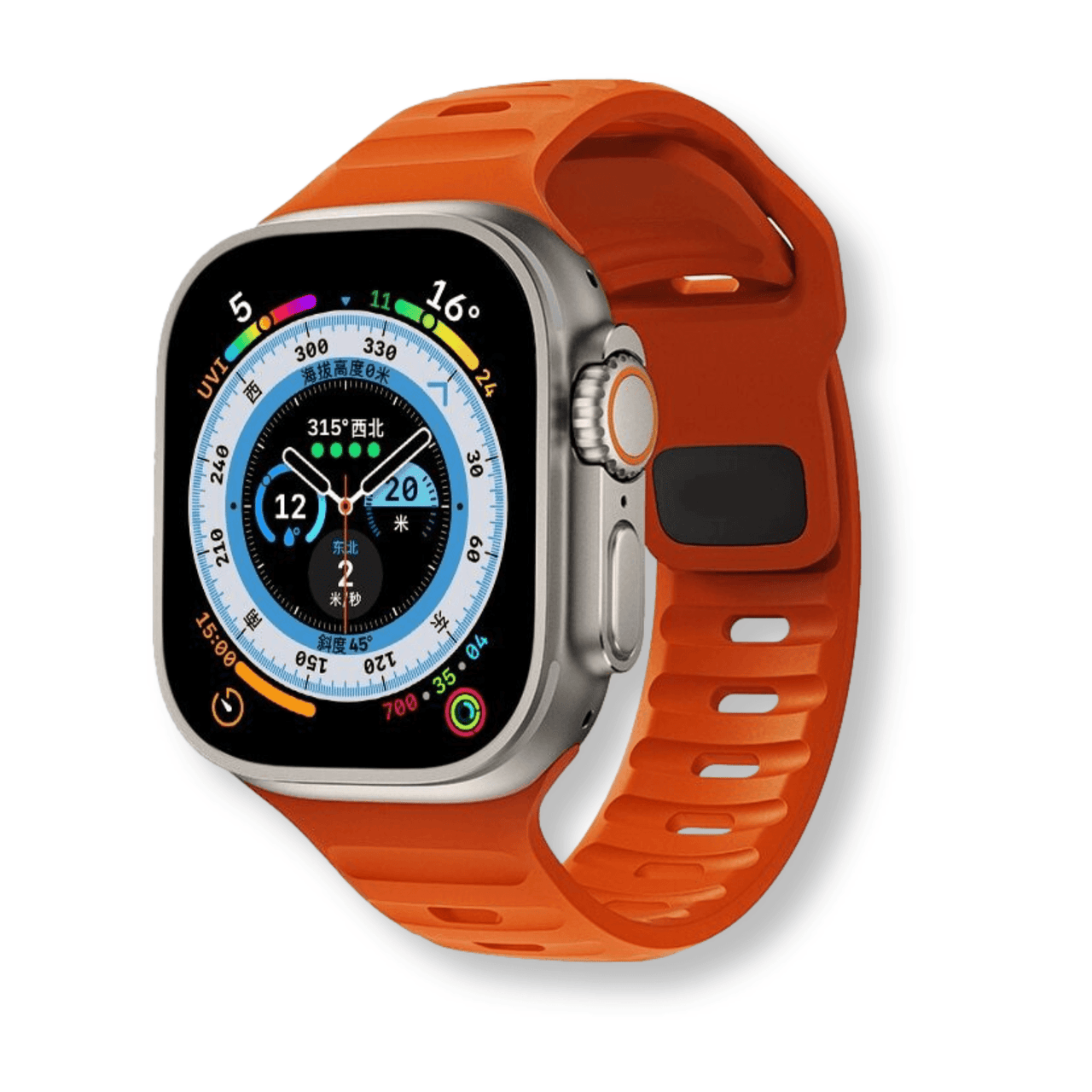
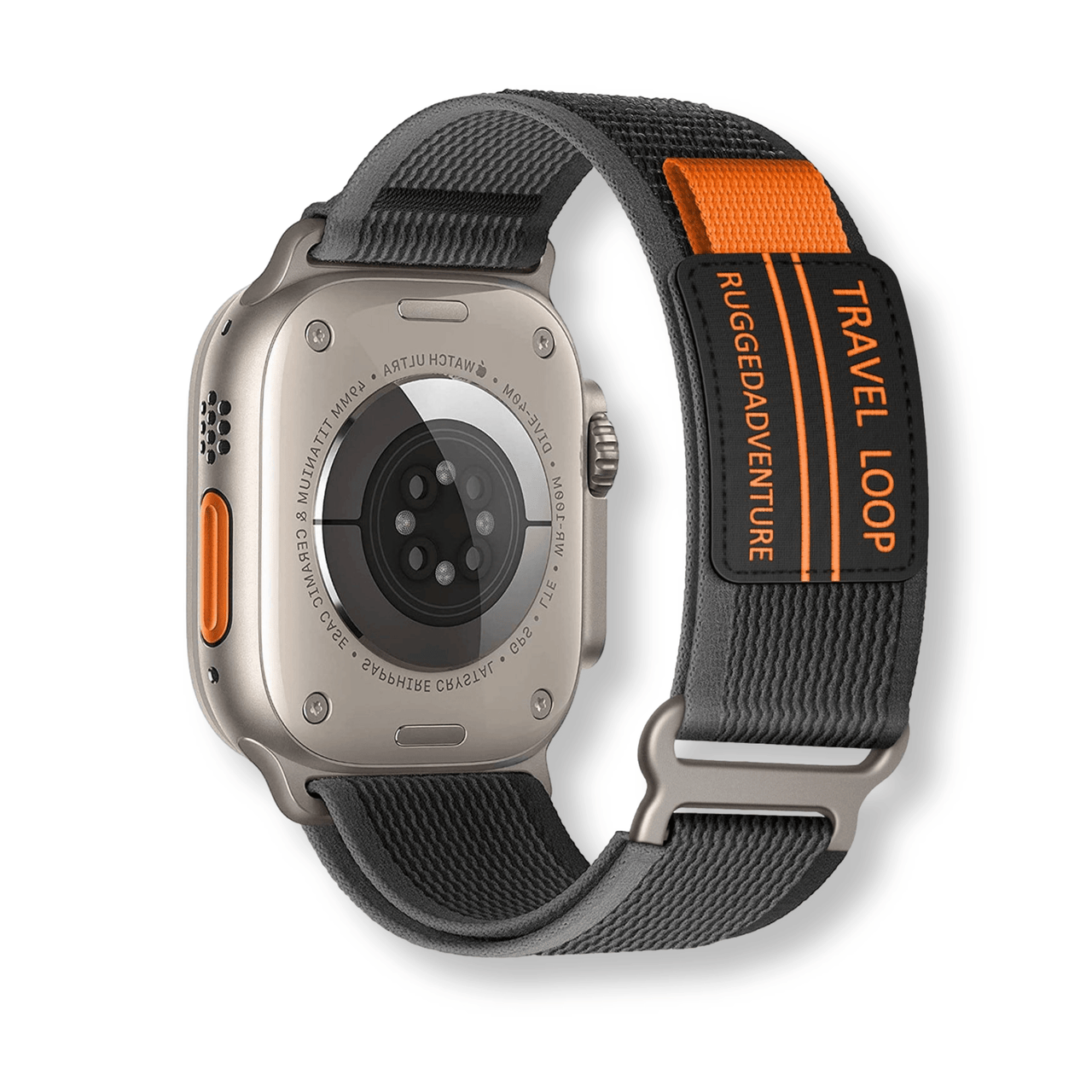
A watchband holds the watch in place; it does not enlarge the dial, make a screen speak or add tactile timekeeping. Our earlier article confused these watch functions with “large print watchbands” and made unsupported claims about available products. This guide separates display accessibility from strap selection.
Choose how you want to read the time
The useful question is whether the actual watch offers a display, spoken output or tactile method that works for you. Test readability under the lighting you normally encounter. Ask to try the real device rather than judging it from a magnified product photograph.
For Apple Watch, Apple documents options including VoiceOver, Zoom, bold text and text-size adjustments. They are settings of the watch and software, not features added by changing the band. Available options and operation depend on the device; consult its current support guide.
Evaluate the controls
Check whether you can locate and operate the buttons or touchscreen functions you need. A talking or tactile watch may use a different interaction from a touchscreen smartwatch. An accessible display is less helpful if the control to activate it is difficult for you to use. There is no single watch or font size that works for everyone.
Then select the band
- Confirm the exact watch attachment, connector width and any required adapter.
- Try fastening and removal using your normal method. Look for a closure you can identify and operate reliably.
- Choose a length that holds the watch in a useful position without pinching or rubbing.
- Check that the strap or an accessory does not cover controls, speakers or sensors.
Color or texture may help you identify the loose end or the orientation of a band, but such preferences do not prove better time-display accessibility. If a seller advertises an electronic or tactile accessory, ask for specific compatibility documentation rather than assuming a printed strap supplies those functions.
A practical purchase check
Try reading the time, using the controls and removing the watch before deciding. Choose based on your own needs and, when helpful, advice from an accessibility specialist. This replaces generic product promises with features you can actually verify.